
Website elementsContent blocks
Image hotspots
An image hotspot, built into your site with no plugin and no library. An image with numbered pins at percent coordinates; each pin is a button that opens a small panel (title, text, optionally a small image) beside it. Click, tap, Enter and Space toggle a pin everywhere; hover and focus also open it where there is a mouse. One open at a time, Escape closes. An optional tour steps through the pins with "2 of 5", Previous, Next and End tour, and can play itself once started. Without JavaScript the pins link to a numbered list of every point under the image.
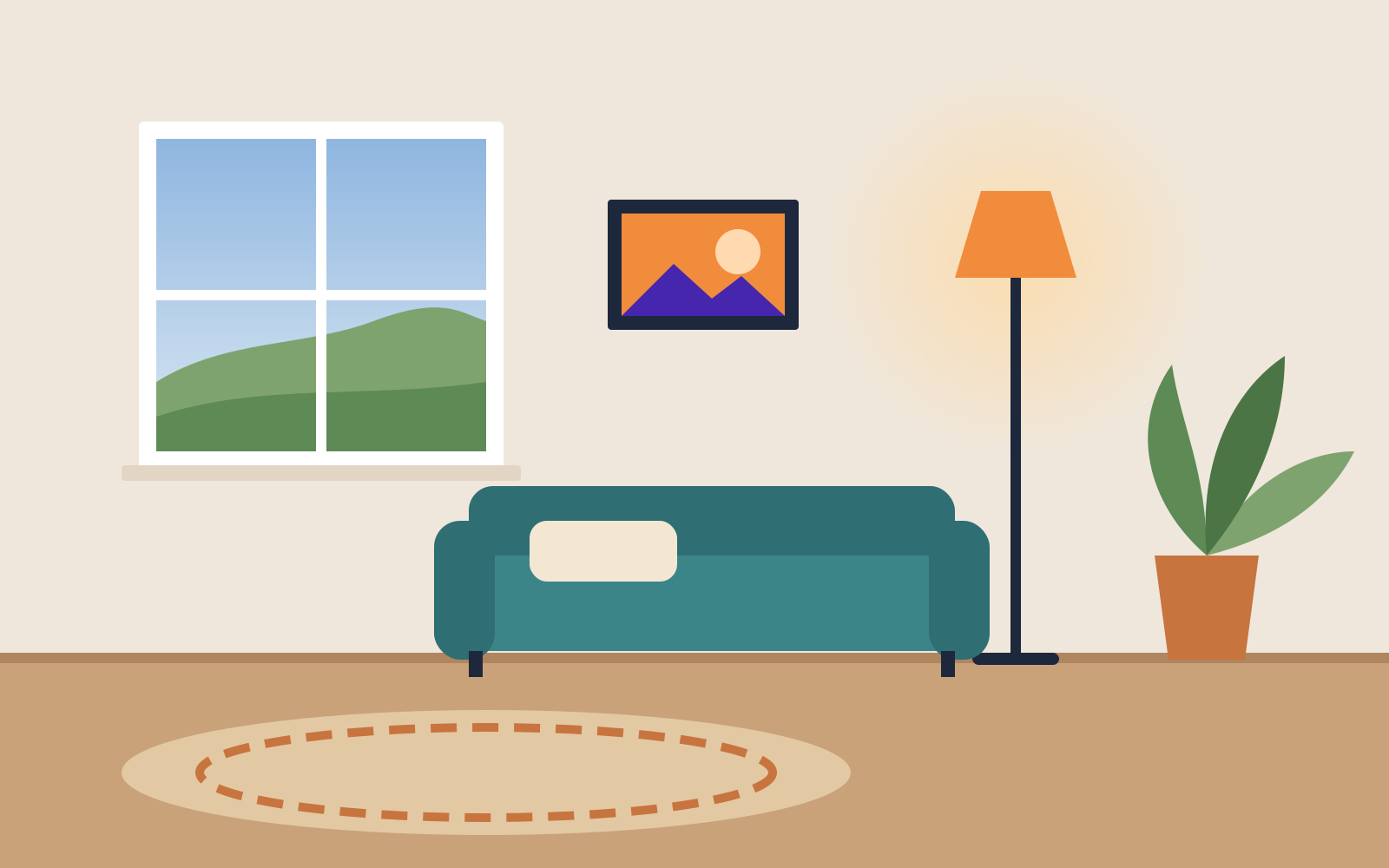
The window
Double-glazed, south-facing. Blinds are made to measure and fitted in a morning.
1 of 5Arc floor lamp
Warm 2700 K bulb on a dimmer, so the corner works for reading and for films.
2 of 5Three-seat sofa
Removable, washable covers in twelve colors. Delivered and assembled in the room.
3 of 5
Plant and pot
A rubber plant that copes with low light, in a terracotta pot with a saucer.
4 of 5Round rug
Hand-woven wool, 2 m across. It hides a draughty floorboard nobody has fixed yet.
5 of 5

Sunset Point
The low sun sits here in late September. Arrive twenty minutes before sunset.
West ridge trail
Two miles, gentle, with benches every half mile.
Car park
Free, 40 spaces, closes at 10 pm.
You'll need to give us
- The image the points sit onNeeded to start
- Each point: where it goes on the image, a short title and a line or two about itNeeded to start
Send these with your request and we can start straight away. Everything else is ours to do.
Put the explanation on the picture: pins on the parts that matter, each opening a line about it — or a guided tour that walks visitors round.
Also called
UABB Hotspotimage hotspotsinteractive imageimage maphotspot tourproduct tour imageElementor Hotspotshoppable image
What it replaces
- UABB “Hotspot” module (Beaver Builder), tour included
- Elementor Pro Hotspot widget
- image hotspot / image map plugins
- HTML <map> / <area> image maps
Good for
One picture that stands for a lot of parts: a room or a product whose features each need a line, a floor plan, a site map of a campus or a trail, a diagram of a machine. The tour suits a picture people should see in order, like the stops of a visit or the steps of an assembly.
Not for
Text people must read to use the page: behind a pin, many never see it (the numbered list under the image is only there without JavaScript and in print). More than about eight pins, which crowd the picture and a phone. Pins that are links to other pages: that is a list of links, or cards. And a picture without a spot to point at, where a caption does the job.
Accessibility
Written so the page works for every visitor, whether they browse with a mouse, a keyboard or a screen reader, and whether or not they have asked for less motion.
- Each pin is a real <button> with aria-expanded and aria-controls pointing at its panel, named by the point’s title and described by its text (aria-describedby), so a screen reader hears both on reaching it. The hit area is 44 × 44 px whatever the image size.
- Click, tap, Enter and Space toggle a pin on every device. With a mouse or trackpad, hover and keyboard focus also open it; leaving closes what hover opened, and a click holds it open. One panel at a time. Escape closes it and returns focus to its pin; a click or tap off the pins closes it too.
- Tour: each step’s controls are a group named “2 of 5” plus the title; after Previous or Next, focus moves to the same button in the new panel, so the keyboard stays in the tour. End tour (or Escape) closes it and puts focus back on Start tour.
- Autoplay only after the visitor presses Start tour, never on arrival. It waits while the pointer is on the open pin or panel and while keyboard focus is in the figure, and End tour stops it (WCAG 2.2.2). prefers-reduced-motion (tracked live): no autoplay, no pulse, no fade.
- Panels open toward the larger space, decided at build; in a figure narrower than 34rem the open panel sits under the image, so it never covers the picture or leaves the screen.
- Without JavaScript the pins are links to a numbered list under the image holding every point’s title, text and image: nothing is only behind a pin. Print shows the list too.
Where it's live
- superherotech.ai: /elements/hotspot/ (demo)
How to ask for it
“The hotspot on our home page, with …”
Name it, say which page and which part of the page it goes on, and say what goes in it: your photos, your words, your colors. That is a complete request. We build it, you approve it, and it goes live. If you know it by another name, from WordPress or from another site, that works too.
More elements you can ask for: Before / After, Particle field, Mega menu, Video background, Parallax band, Scroll reveal, Business hours, News ticker, Flip box, Instagram feed, Accordion / FAQ, Card slider, Tabs, Info list, Video player, Testimonial carousel, Icon library, Animated text, Cookie consent, Animated background, Modal box, Announcement bar, Info circle, Slide box, Countdown, Content toggle, Off-canvas panel, Video gallery, Map and directions, Link effects, Tabcordion, Tooltip, Responsive table, Notice, Toast, Loading, Menu button, Radio group, Stepper, Tags, Scrollbox, Sticker. Or see all of them working.
More in Content blocks
See them all working- Info circle
Five things you do, round one circle: point at one and it tells its story in the middle — and on a phone it is simply a list.
- Slide box
A card that shows the headline first and slides up the detail when someone wants it, on a phone as well as with a mouse.
- Map and directions
Show people where you are and get them there in one tap, without a Google script on every page.
- Responsive table
Timetables, prices and comparisons that read on a phone: a proper table on a wide screen, and a card per row, or a table you can swipe along, on a narrow one.
Want the image hotspots on your site?
Tell us about the business. We build the site with it, launch it, and change it whenever you ask.